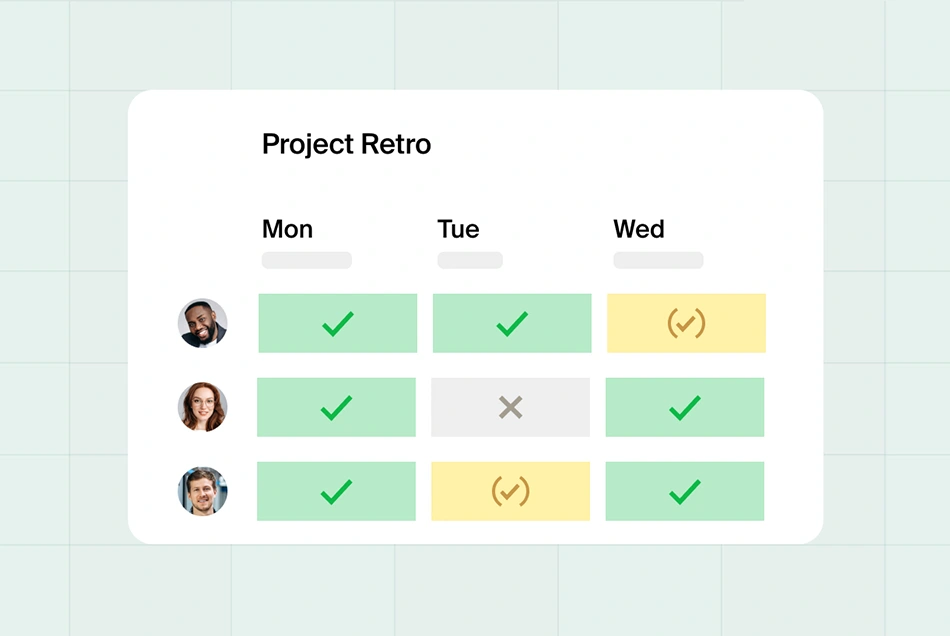

Bring busy people together in moments. And end back-and-forth emails.
Get the right people in the right place at the right time. Facilitate collaboration and move projects forward.
Create a Doodle. Add possible time options for your meeting.
Send out the invitations. Let your guests choose the times that work for them.
Choose the time that works for everyone. Add events to your calendar automatically.

Doodle keeps your business moving forward with faster scheduling.
End time-zone headaches. Doodle auto-identifies guest time zones. So there’s zero confusion. No follow-ups necessary.
Book with anyone. Regardless of their calendar system. Need to meet with an Outlook lover or a GCal devotee? No problem.
Cross-platform scheduling. Doodle is Doodle everywhere, whether you schedule meetings in your browser, chrome extension, Slack, our mobile apps or API, you and your team will always be on the same page.
Ready to get started?
Related content