
Human-first. Backed by AI.
Meet your Partner in Time
Doodle connects your team’s calendars, coordinates meetings automatically, and protects the time your people need to do great work.
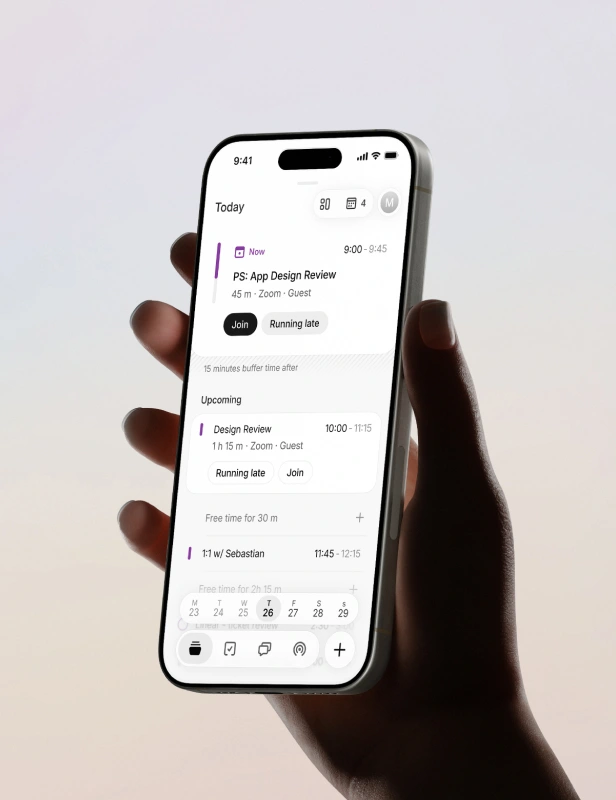
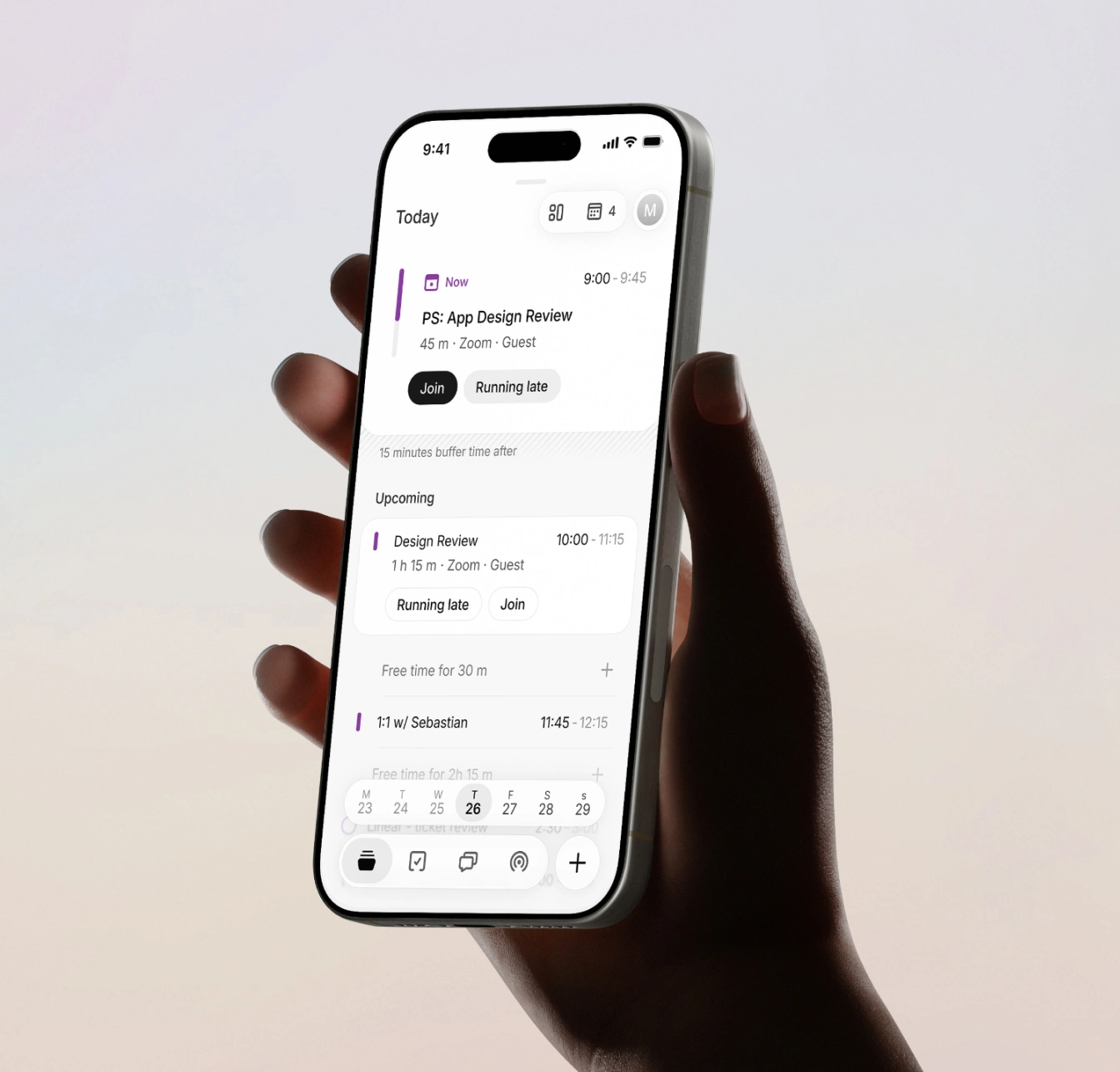
You set the intention. Doodle handles the rest.
Connect your calendars
Doodle reads across Outlook, Google, and Apple. One complete picture of your team's time. No blind spots, no double-bookings.
Tell us how you work
Set your focus hours, meeting limits, and buffer time. Doodle learns your rhythm and respects it. For you and everyone on your team.
We’ll create and find time for you
Meetings happen in seconds. Inbound requests land with the right person. Focus time stays intact. You spend your time working, not arranging.
The more your team uses Doodle, the smarter the coordination gets.


FEATURES
How it works
One availability layer across every calendar your team uses
Doodle merges busy signals across all calendars and enforces your protect rules on top. Busy on any calendar means busy everywhere. No configuration needed after setup.
Your day as a sequence of actions, not a calendar of busy slots
Day Flow presents your time as a continuous timeline: meetings, tasks, and buffer zones in a single view. Contextual actions are inline. You always know what's next and how much time you have.
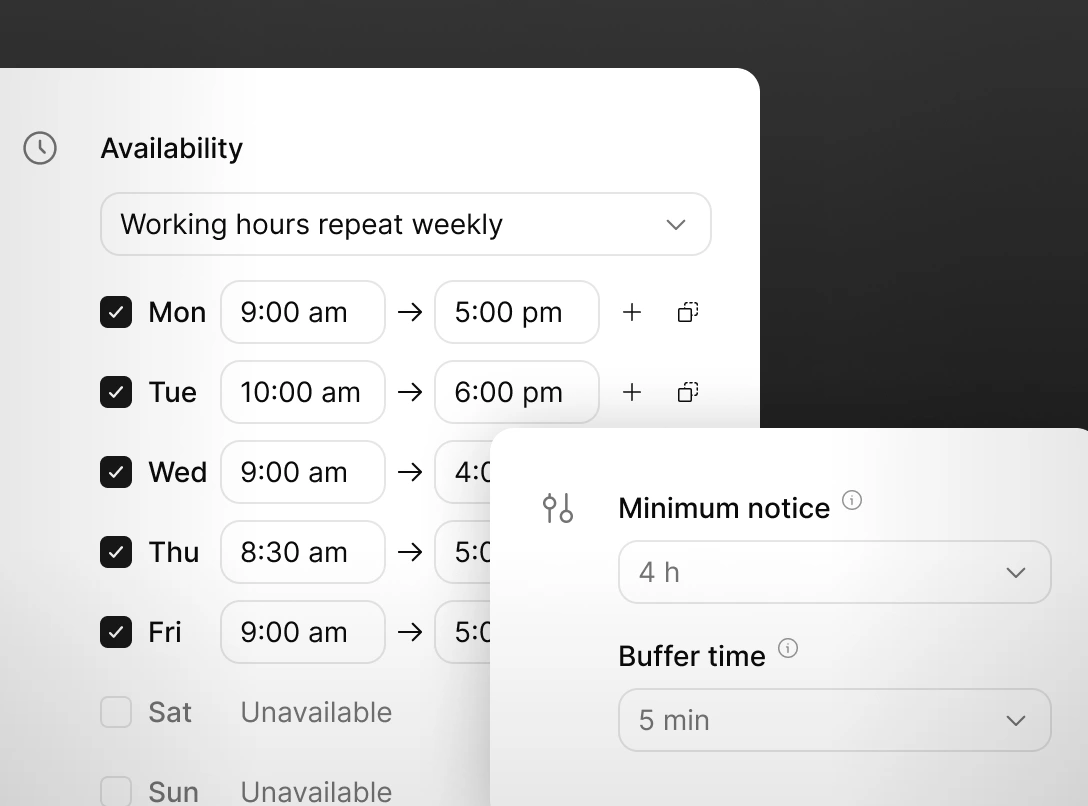
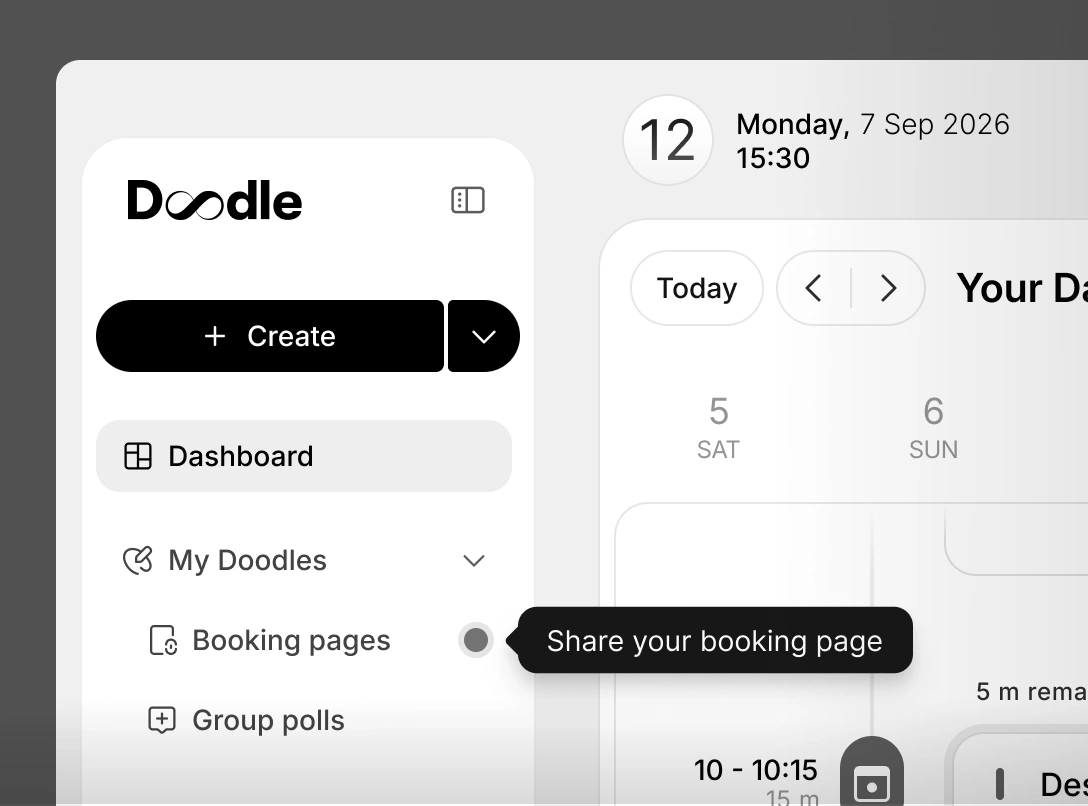
Share your availability in one click
Doodle creates your personal booking page at onboarding. No configuration. It reflects your real-time availability, respects every calendar, and is ready to share from day one.
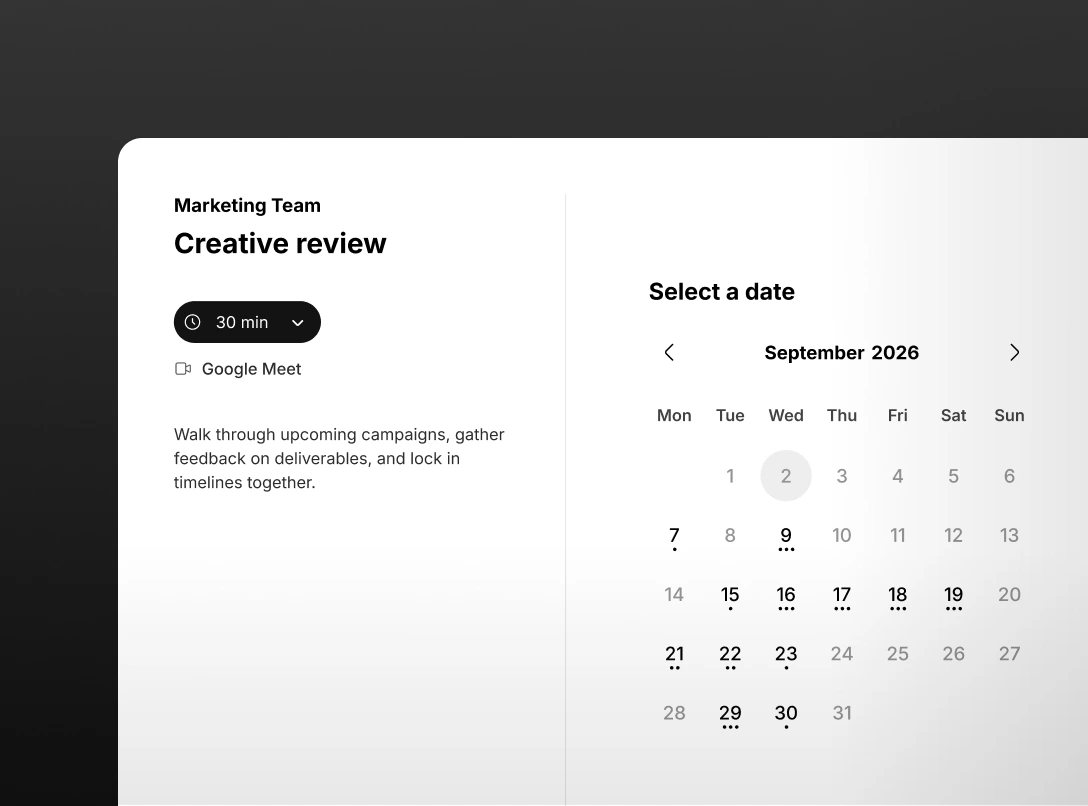
Inbound meetings routed fairly. No manual coordination required
Team booking pages distribute meetings automatically across eligible team members. Least-recently-assigned gets the next one. Cancelled meetings don't count against the rotation. Admins set the rules once. Doodle handles every booking from there.
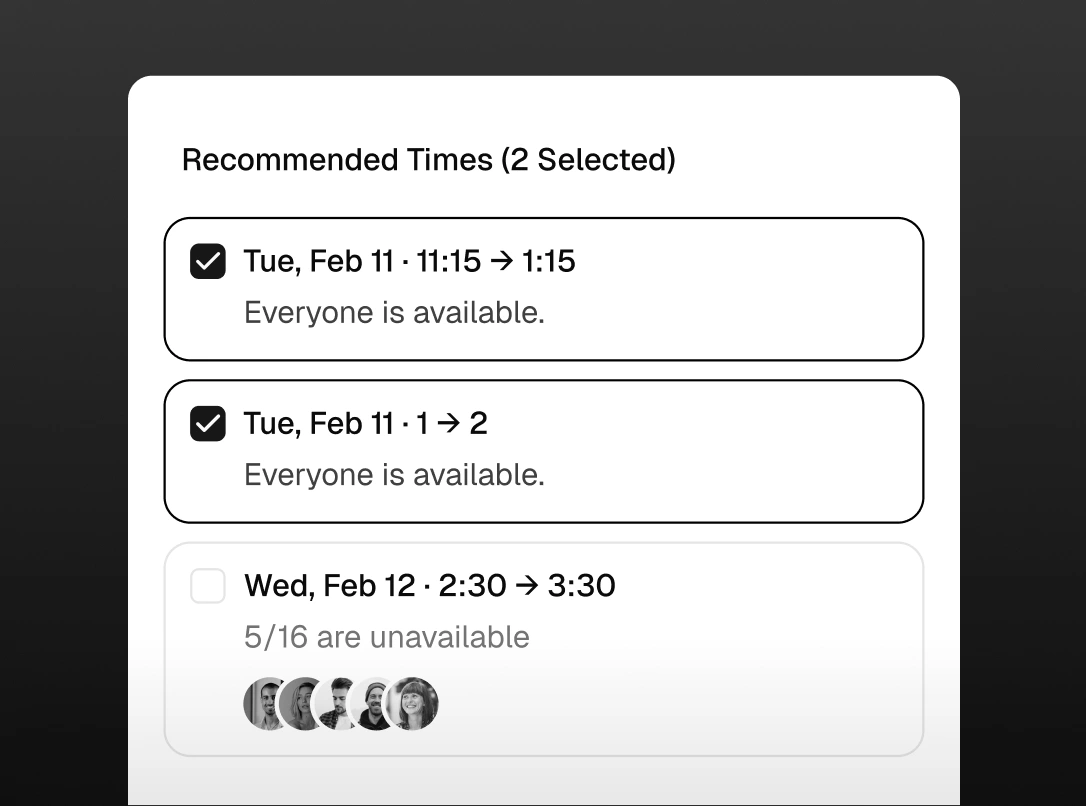
Scheduled in seconds, not threads
Enter participants and duration. Doodle finds the best mutual slot and books it in one action. When no availability exists, it surfaces a Group Poll automatically.
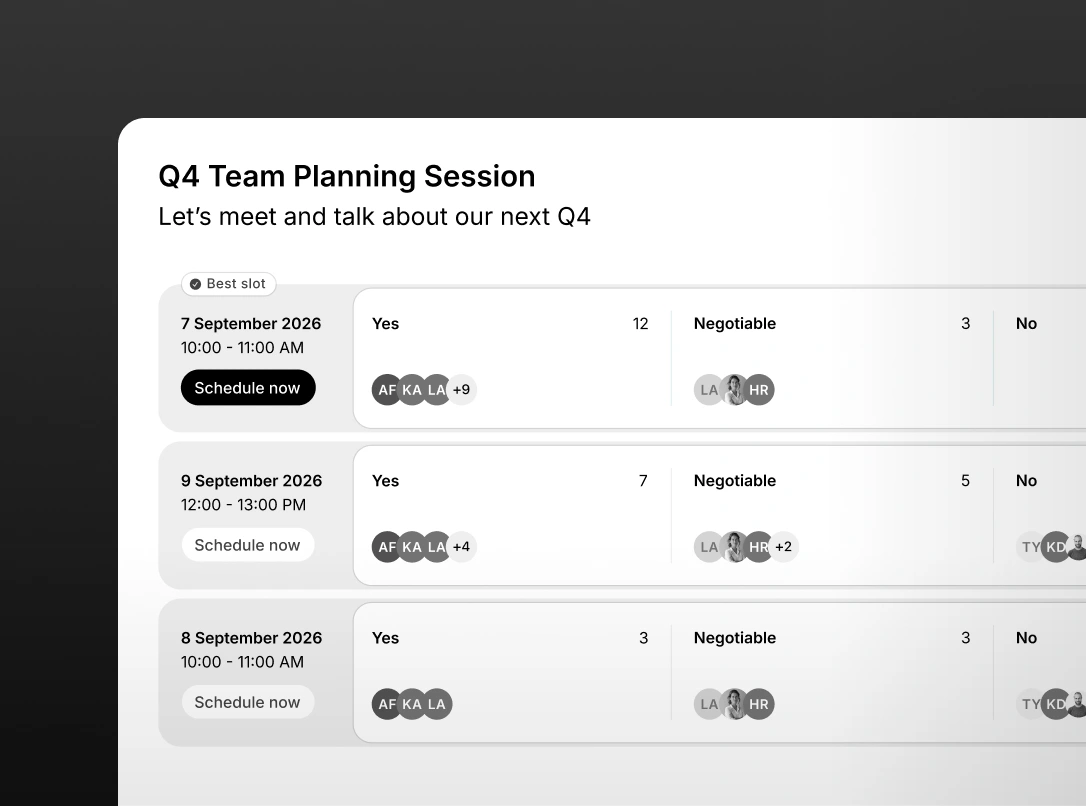
Reach consensus without the email chain
Group polls let participants vote on proposed times asynchronously. Works across tools, organisations, and time zones. Share a link. Get an answer.
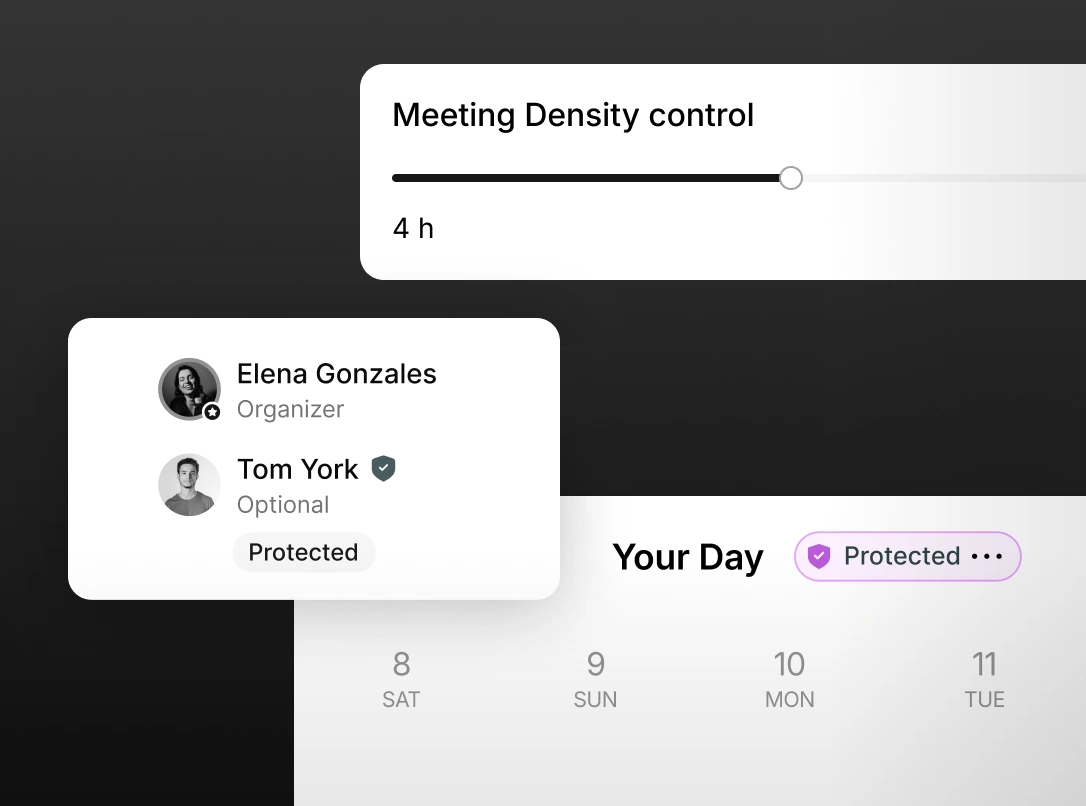
Your calendar with an immune system
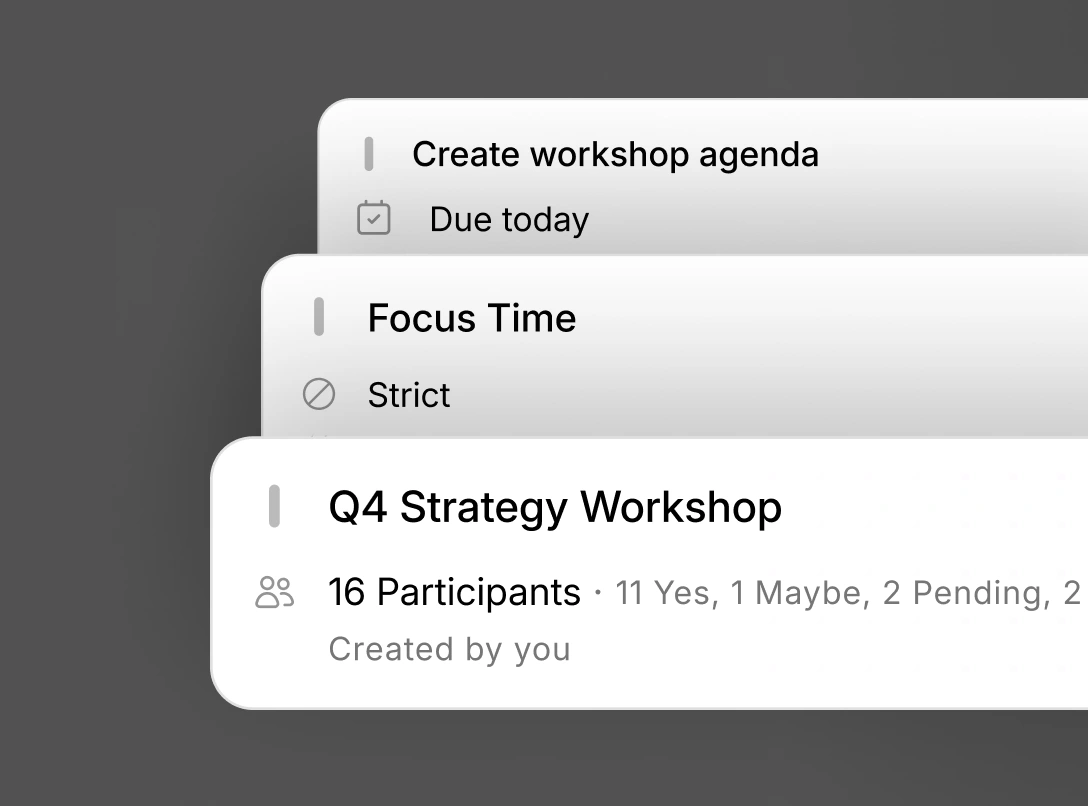
Set your meeting hours, buffer zones, and daily limits once. Doodle enforces them automatically. When someone tries to book over protected time, the system handles it. You don't have to.
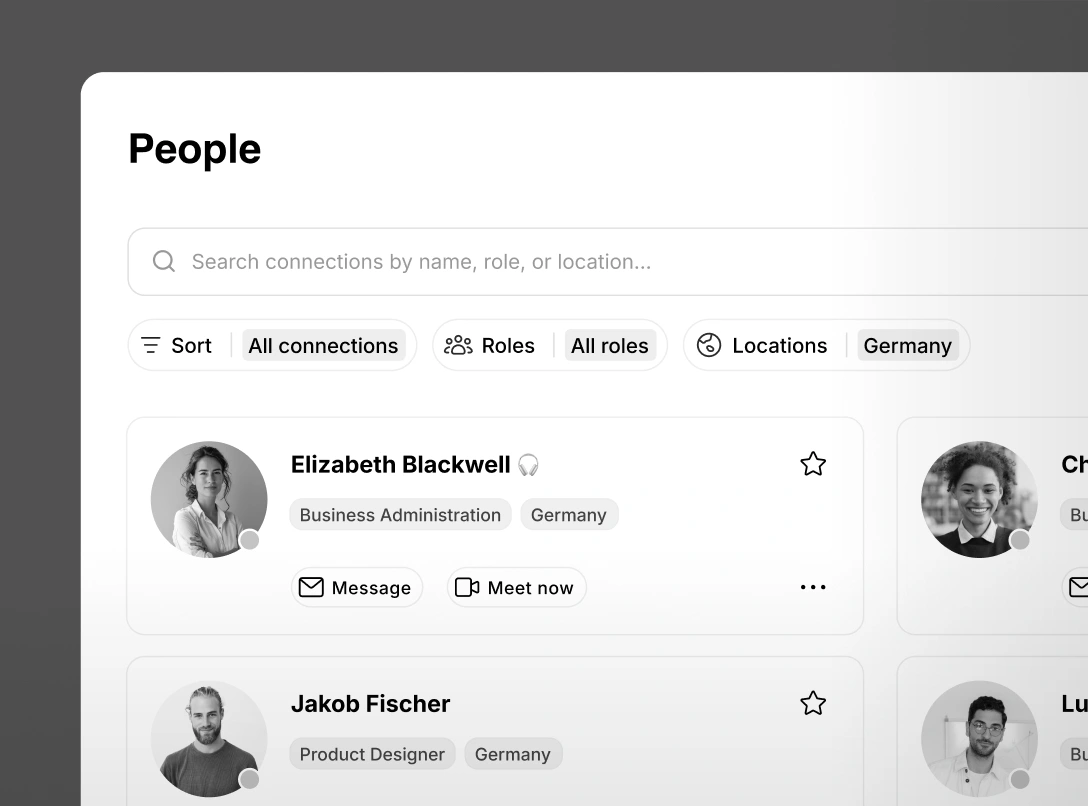
Connect and engage with people across your organization
Quickly find and connect with anyone in your organization. Filter by role and location and reach out instantly via direct message or video call.
Works with the tools your team already uses


FAQ
Most teams are up and running in under 15 minutes. Connect your calendar, set your preferences, share your booking page. No IT involvement required for individual and team tiers.