COLLABORATION ROOMS
The meeting and everything from it, in one place.
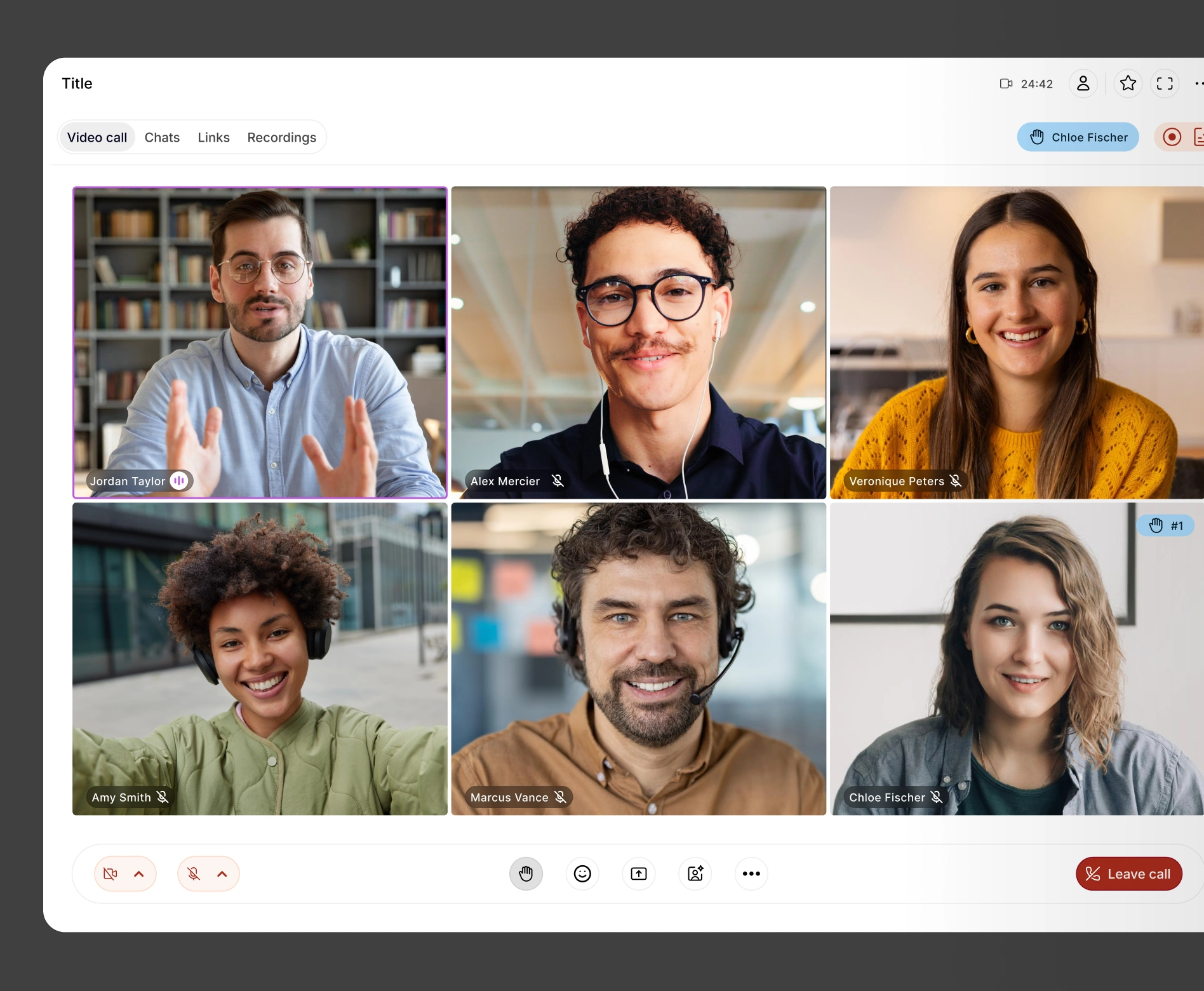
Video, recording, and transcription live in the same room the meeting happened in, so everything lives within the context it belongs in.

I use Doodle all the time to organise global meetings. it is so easy to use and it means it is easy to find a time that works for everyone without lots of back and forth emails.

HOW IT WORKS
The room opens with the meeting, and stays after.
Collaboration Rooms open automatically from a meeting already set up in Doodle, and close themselves when the work is done.
STEP 1
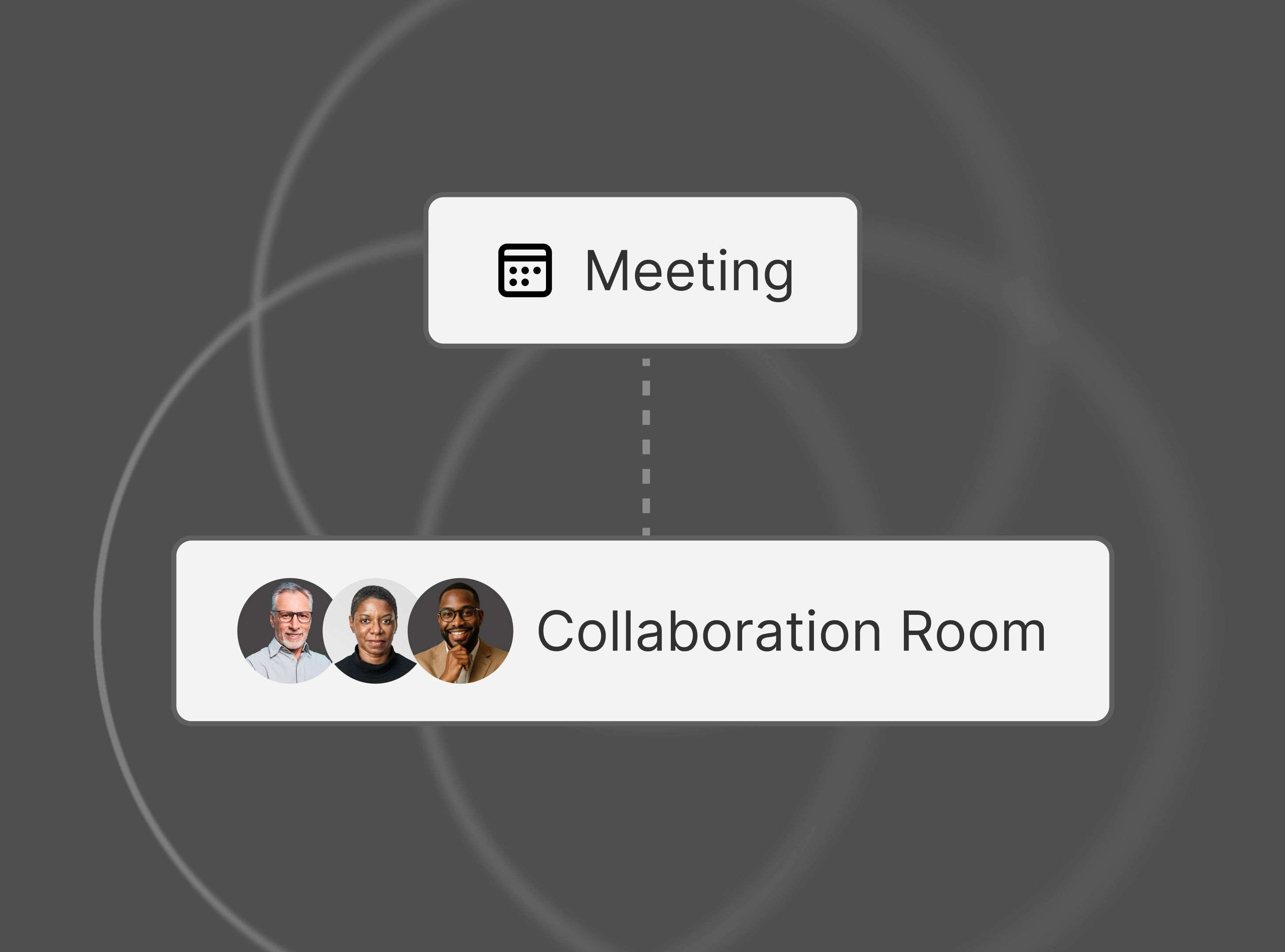
Book the meeting, get the room
Every meeting scheduled through Doodle can open straight into its own Collaboration Room. Video is built in.
STEP 2
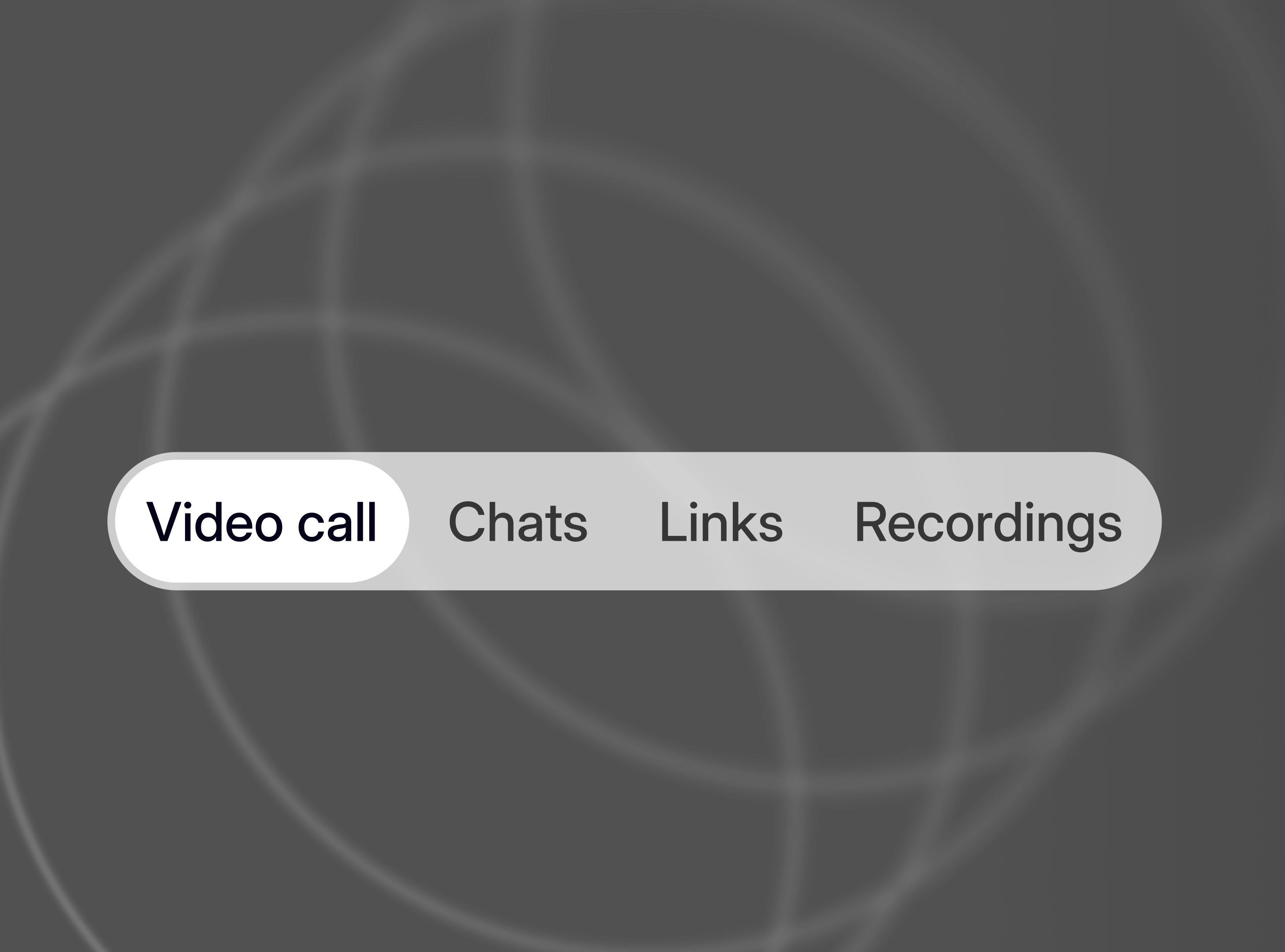
Meet, record, and transcribe natively
HD and SD video, recording, and transcription all run inside the room.
STEP 3
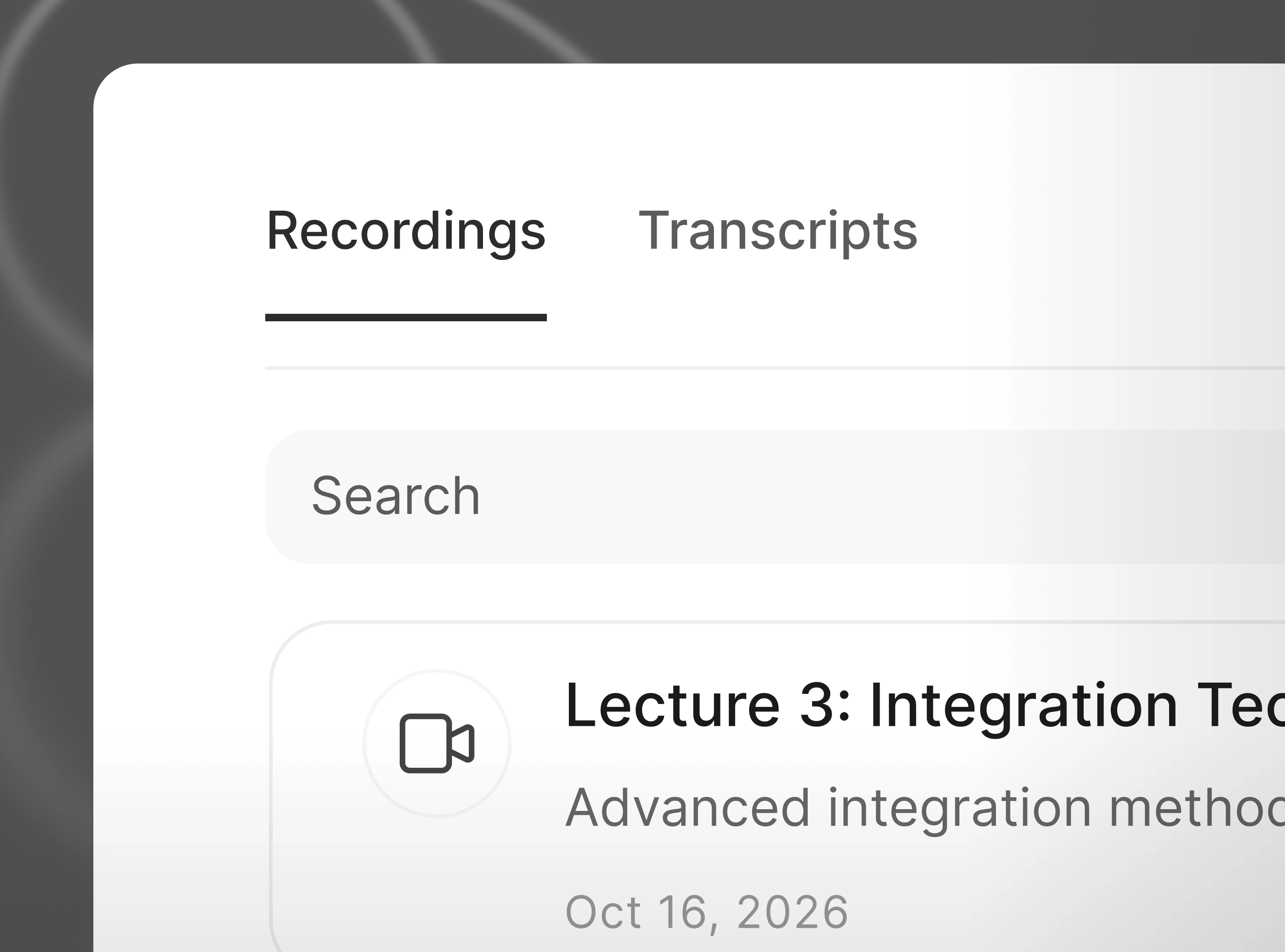
The room closes itself when the work is done
Inactive rooms archive automatically, so recordings and transcripts stay organized without anyone cleaning up after the fact.
Why it matters
Six weeks later, where's the recording?
Most teams record their calls. Finding the recording again, across every tool the team uses, is often easier said than done.
47%
of digital workers struggle to find the information they need
Gartner surveyed 4,861 digital workers in 2022. They use 11 applications on average, up from six in 2019. [1]
1,200
app switches a day
Harvard Business Review research (2022) tracked 137 people at three Fortune 500 companies. They lost just under four hours a week reorienting after switching. [2]
56%
often have to ask someone or book a meeting to get information
Atlassian's State of Teams 2025 surveyed 12,000 knowledge workers. A recording people can find is one less meeting to book. [3]
Recording and transcription that live where the meeting lives.
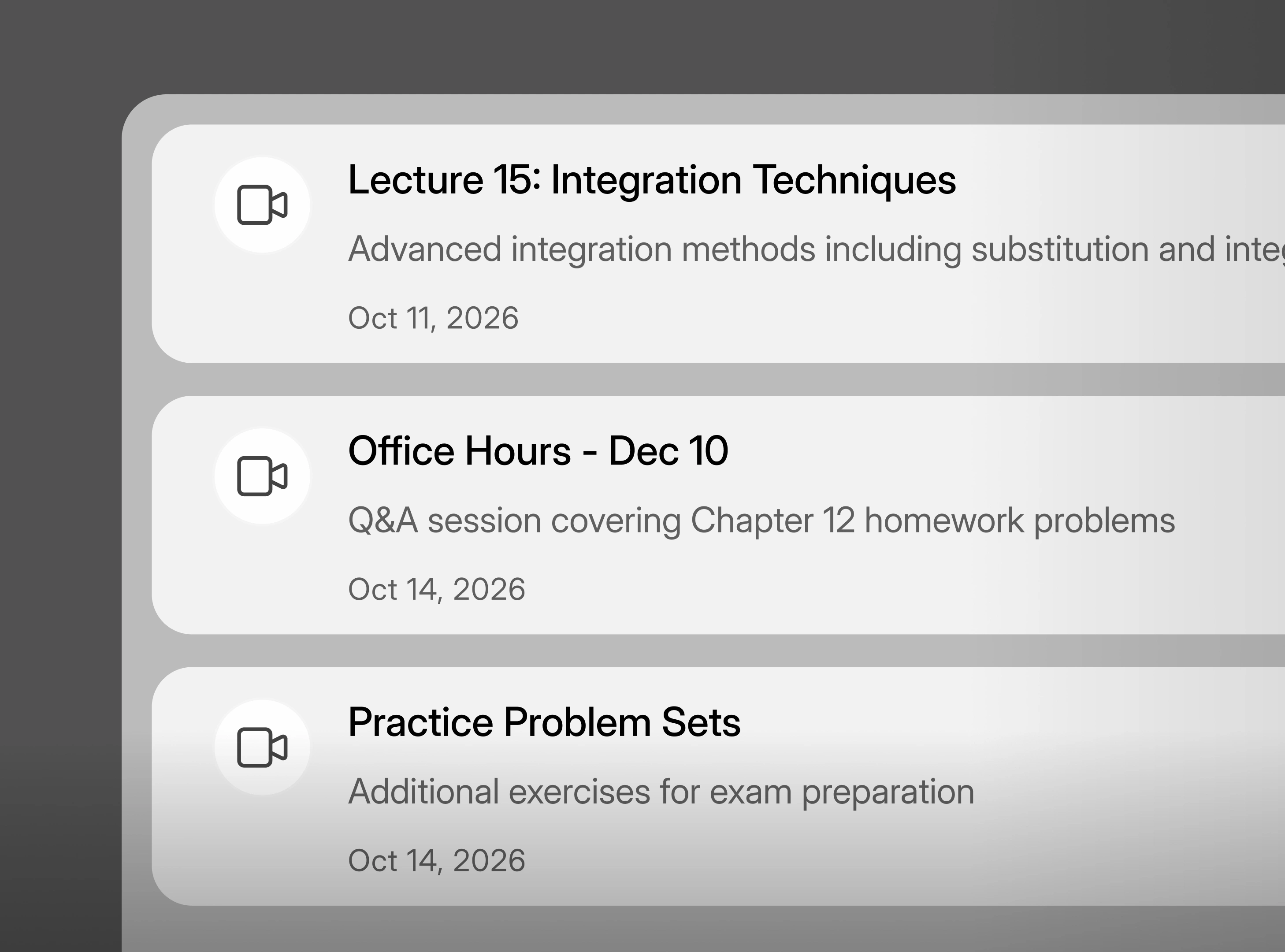
Recording and transcription happen inside the room, so what gets captured stays attached to the meeting it came from.
- HD and SD video built into every room
- Recording and transcription run natively in the room
- Works from desktop or the active room on mobile
GUESTS AND ACCESS
Bring in the people who need to be there, without extra setup
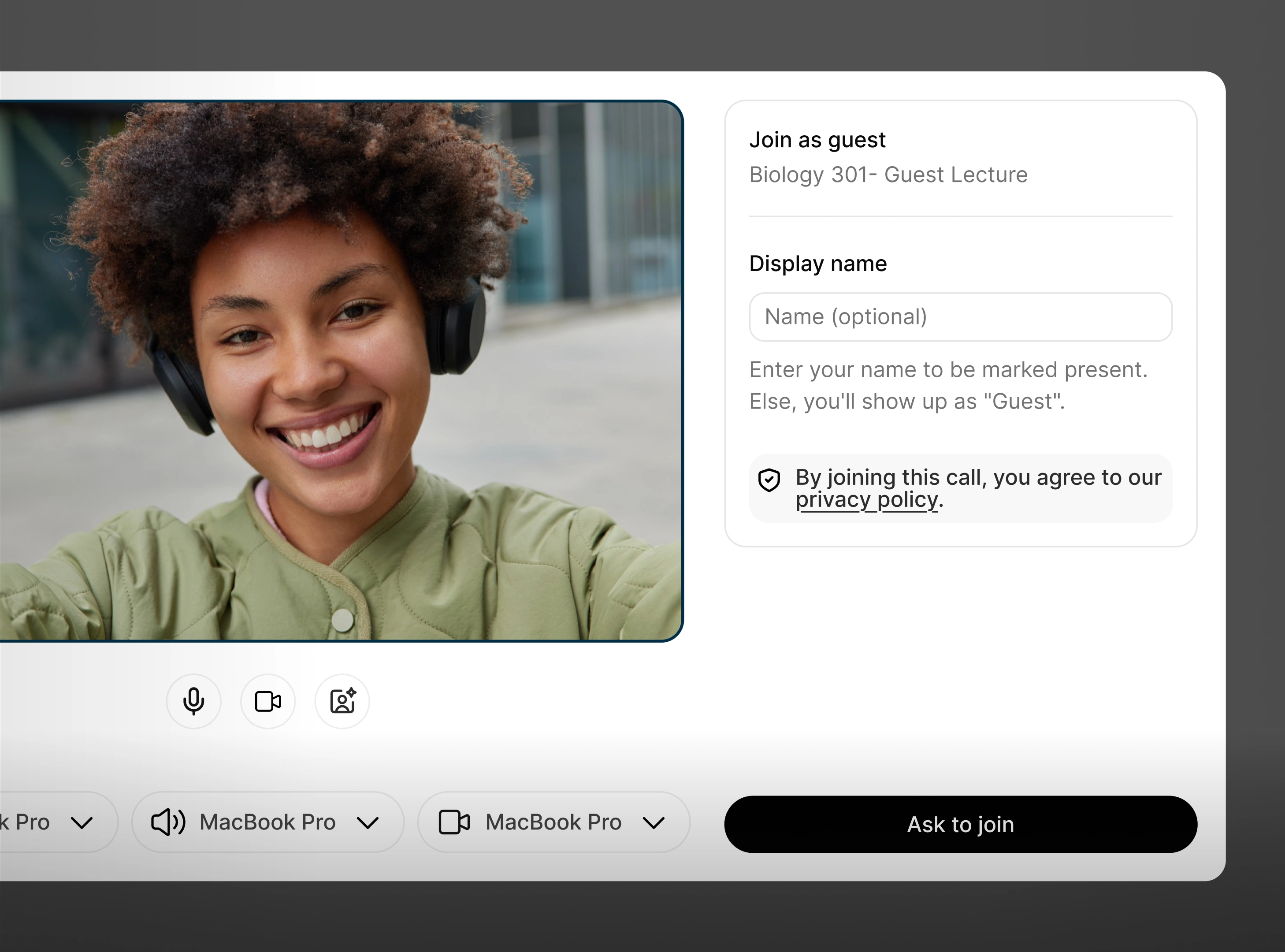
External guests can join a Collaboration Room with a defined guest role, so partners and clients get in without you managing a separate access list for every call.
- A dedicated external guests role for partner and client calls
- No plugin or account required for guests to join
- Rooms archive automatically once the work is finished
FOR THE ORGANIZATION
A record of the meeting your organization can actually find and trust.
Because recording and transcription run inside the room, what gets captured stays attached to the meeting, the team, and the client it belongs to.
Client call
Recorded · transcribed
Team sync
Recorded · transcribed
Partner review
Recorded · transcribed
Works with the tools your team already uses





FAQs
No. Video, recording, and transcription all run natively inside the room, so there's no separate video vendor to configure or pay for.
APPENDIX
Sources and citations
Every figure above comes from independent, published research, named below.
| Figure | What it measures | Period · basis |
|---|---|---|
| 47%, 11 apps | Digital workers who struggle to find the information they need, and applications used on average | [1] Gartner, Digital Worker Experience Survey, 2022 (published 2023) · 4,861 workers |
| 56% | Knowledge workers who often have to ask someone or schedule a meeting to get the information they need | [3] Atlassian, State of Teams 2025 · 12,000 knowledge workers |
| 1,200/day, ~4 hrs/wk | Average app switches per knowledge worker per day, and time lost weekly re-orienting after each switch | [2] Murty, Dadlani and Das, Harvard Business Review, 2022 · 137 users, three Fortune 500 companies |

Give every meeting a room, and a record worth keeping.
See Collaboration Rooms in a live walkthrough.