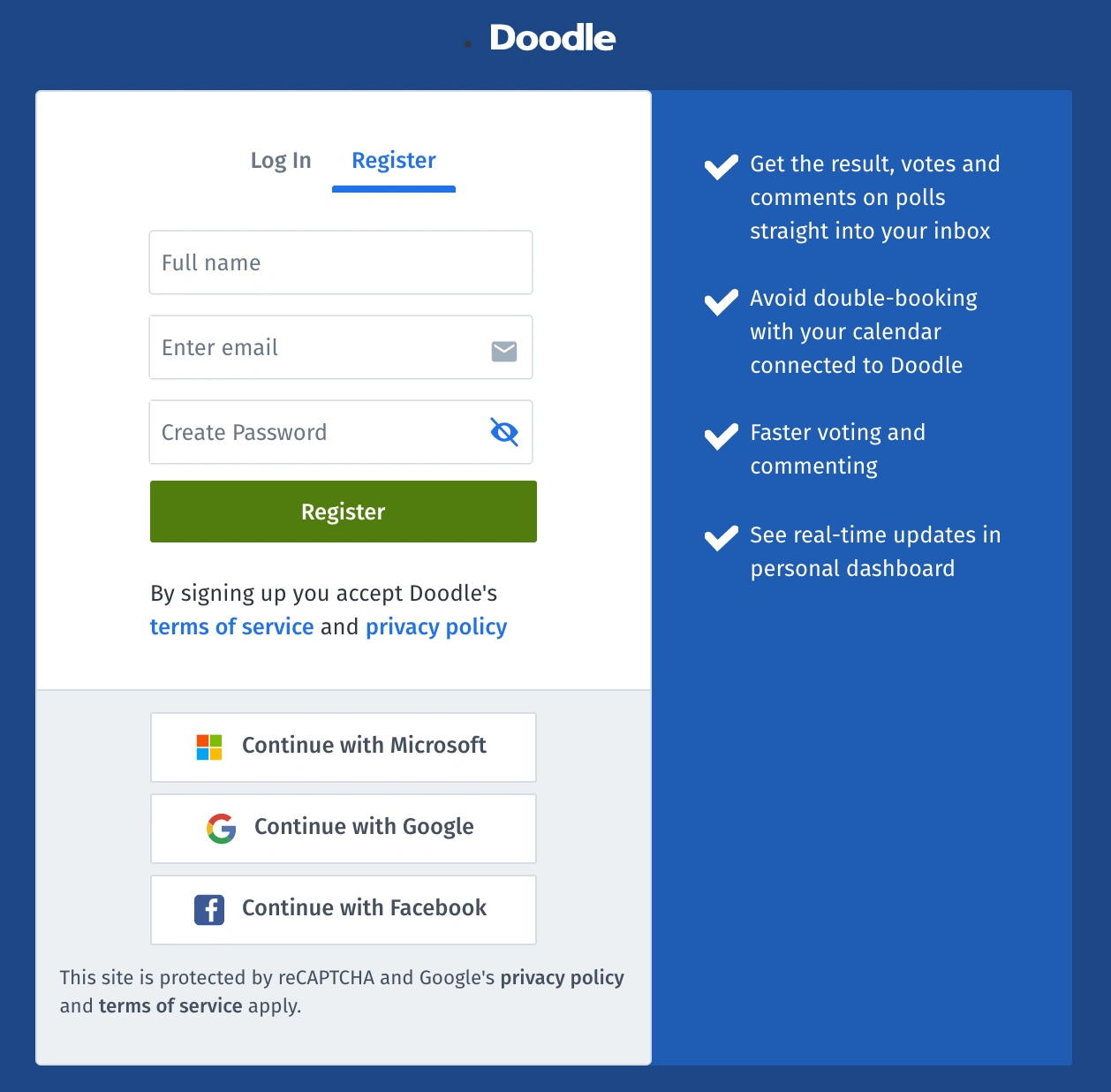

As of today, Microsoft users can sign up for a Doodle account with just one click. Just use the Microsoft login button to log in and get on with your scheduling.
Ready to get started?
The Microsoft single sign-on feature is the perfect solution for Microsoft users and their teams who schedule a lot of meetings. Let’s face it, no one has time to bother with email ping-pong or phone tag, that’s why you use Doodle in the first place. Now that we’re connected to the Microsoft universe, and your team is already has a Microsoft workspace, scheduling with Doodle just got that much more convenient.
You can easily compare all of your colleagues’ calendars when scheduling your next meeting or participating in one. Need to make sure someone specific can make the meeting ahead of time? Just check their calendar from the menu when you’re adding your time options. This way you know there are no upcoming conflicts.
Sending meeting invitations is easy when you use a Microsoft login. All of your colleague’s email addresses in your address book will appear automatically in the menu. No need to track down anyone’s contact, or type it out manually, we’ll take care of it for you. Likewise, with our reminders feature, you can send emails to everyone who’s participated, or has yet to participate in your meeting request.
Get the most out of Doodle by syncing events automatically to your calendar, tentative and confirmed, so you can avoid double-booking or overbooking yourself. Doodle is the world’s most convenient scheduling tool, used by 30 million users every month. Sign up with Microsoft and see what everyone is talking about.