UPDATE: Meeting request deadlines

Updated: Sep 28, 2026
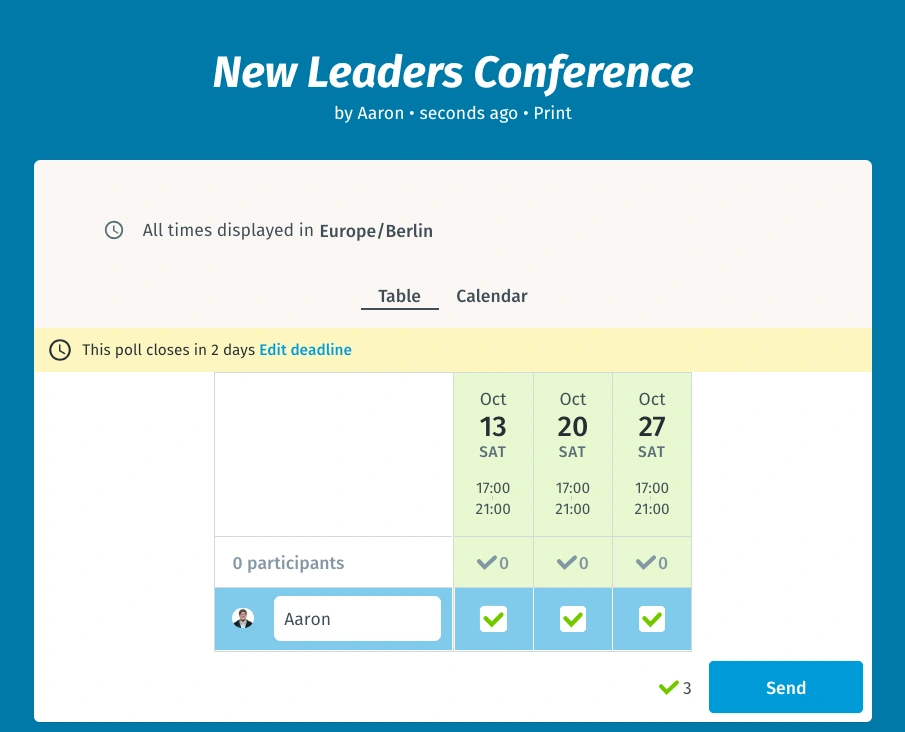
One of our most often requested features is finally here. Meeting deadlines.
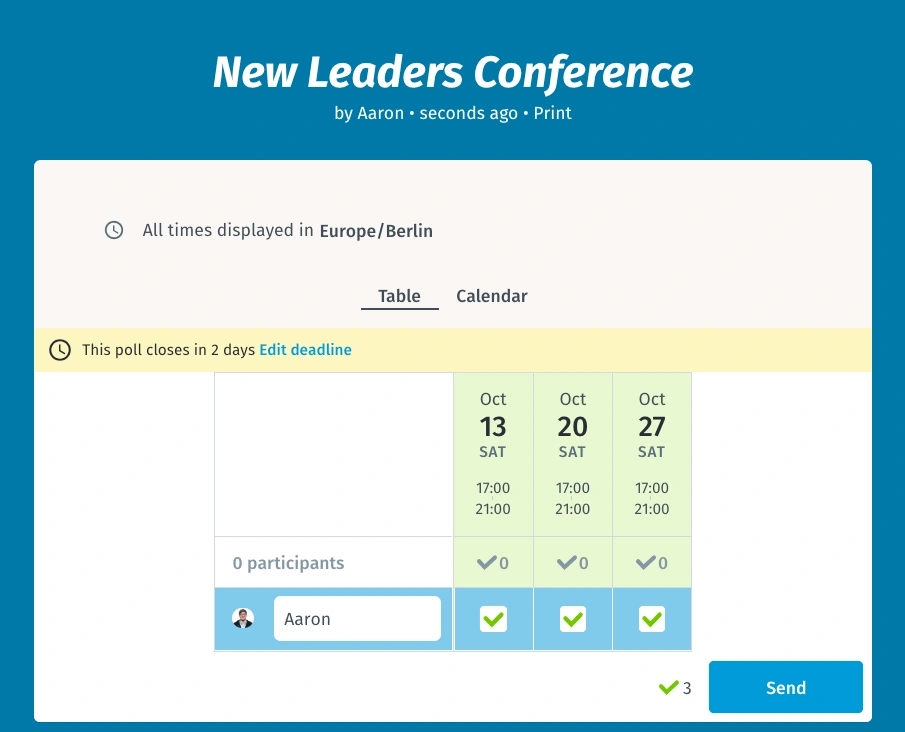
Tired of reminding your invitees over and over about the proposed times on your meeting request? Or worse yet, waiting until the last minute to make their choices when you could have gotten on with all those meetings you have to schedule?
No more wasted time! We’ve taken care of everything with our newest feature.
Now you can create a meeting request with deadline to ensure that everyone participates in good time, and you don’t have to hurry to track down everyone’s answers at the last minute. Simply set the deadline timer to inspire a little sense of urgency. Everyone will see the countdown message on the table and will know they have to participate quickly otherwise they’re choice may not be taken into account!
Here’s how it works
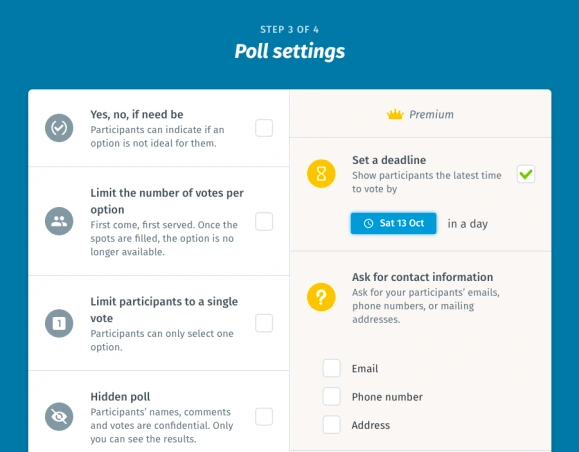
During the 3 step when creating your meeting request (see below), you can add the deadline for participation. The suggested deadline will be a few days before your first proposed date/time option, but you can use the calendar to adjust it to anything you like. If you need everyone to decide on the best time in only a day or two, you can push up the timeline and make sure everyone quickly chooses a time. We’ll send you an email to remind you when your deadline is up, so you can choose the final date for your meeting and let everyone know.
Deadlines are the best way to collect everyone’s availability fast, so you can get your meetings on the books and focus on the work that matters.
Try this feature out free for 14 days. Sign up now for Premium Doodle.
Related content

 Interviews
The Operating System of Time: Why Scheduling Is Solved and What Comes Next
Read Time: 9 minutes20 Aug, 2026 Interviews
Killing What Made Us Famous: How Doodle Pivoted After 18 Years
Read Time: 5 minutes1 Oct, 2026
