With Doodle Pro, you can create hidden polls that keep responses private. A hidden poll ensures that all participants remain anonymous to each other. When someone opens the poll, they’ll only see the available date and time options — it will appear as if no one else has voted yet. Even if they revisit the poll after voting, they'll only see their own response. Only you, as the poll organizer, can view the full list of participants and their selections.
We've seen teachers use hidden polls to schedule time with students, and professionals use them to plan meetings with clients or external stakeholders — anytime confidentiality matters.
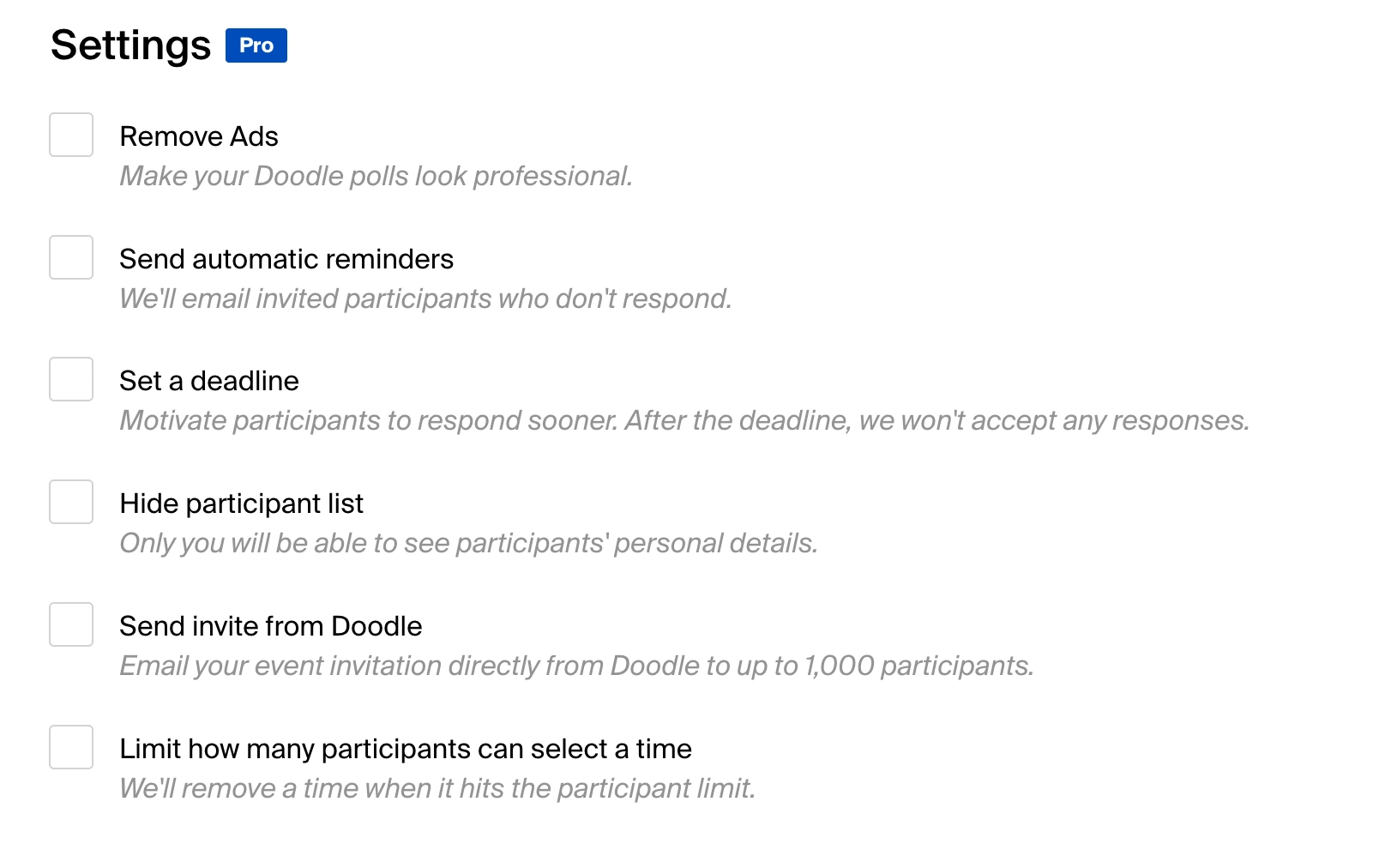
To enable this feature, go to Settings when creating your poll and toggle on “Hide participant list.” Already created your poll? No problem — you can edit it afterward and turn on the hidden setting at any time.
Doodle hidden polls are a simple, secure way to schedule meetings while keeping participant information private.
No credit card required